Learn the concept
This is the step-by-step. For what it is and how it fits the bigger picture, read Financial Reports in the reference.
This is the step-by-step. For what it is and how it fits the bigger picture, read Financial Reports in the reference.
What this does
Cloudby builds your financial statements live from every posted document, so you can open them any time and see where the business stands. There is no month-end run to wait for.
Open the statements
Go to Menu > Finance > Explorer. You will find Trial Balance, Profit Loss, Balance Sheet and Cashflow.
The four statements
- Trial Balance. Every account with its Debit or Credit balance for the period.
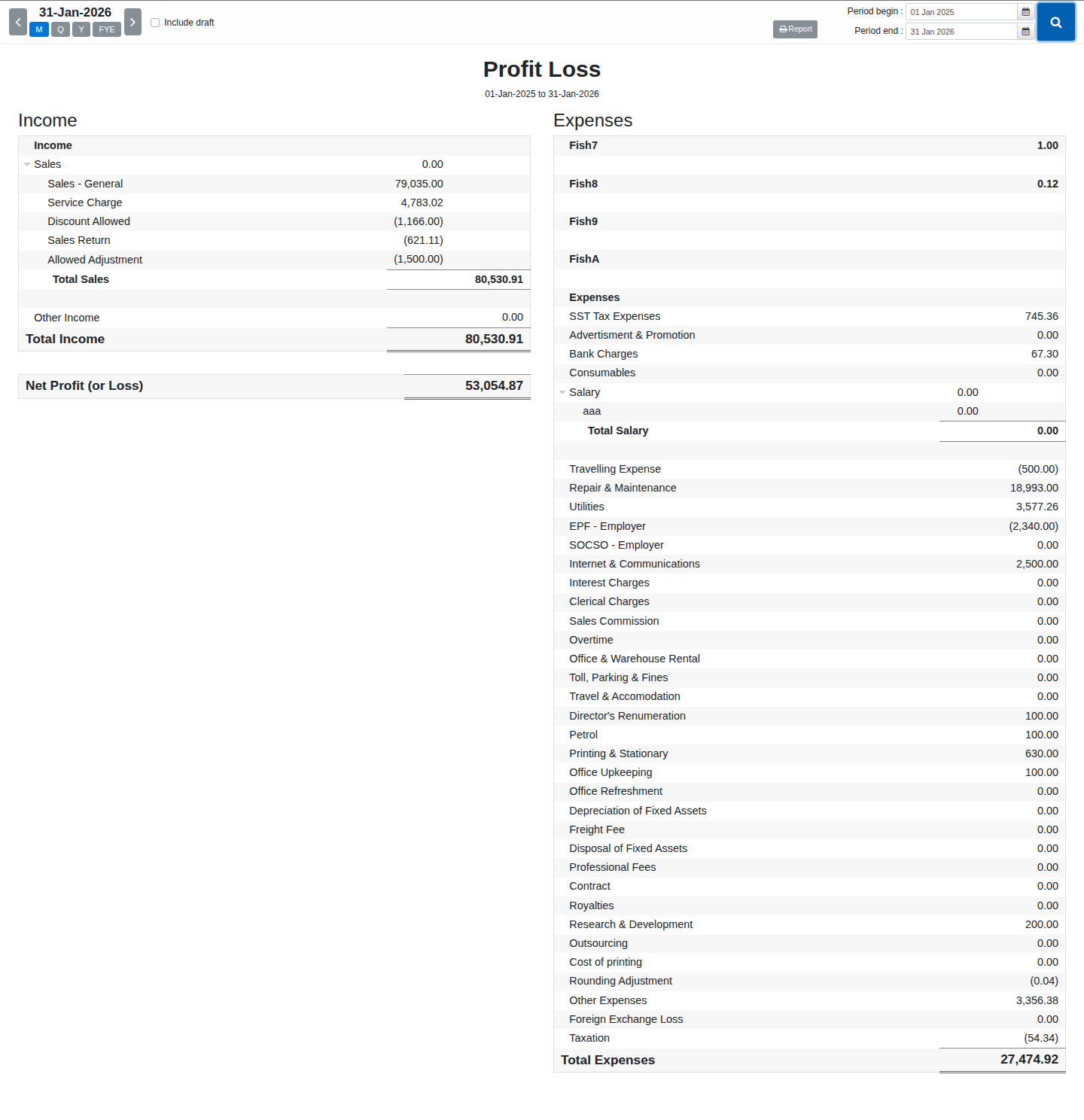
- Profit Loss. Your Income, Cost of Sale and Expenses, down to Net Profit (or Loss).
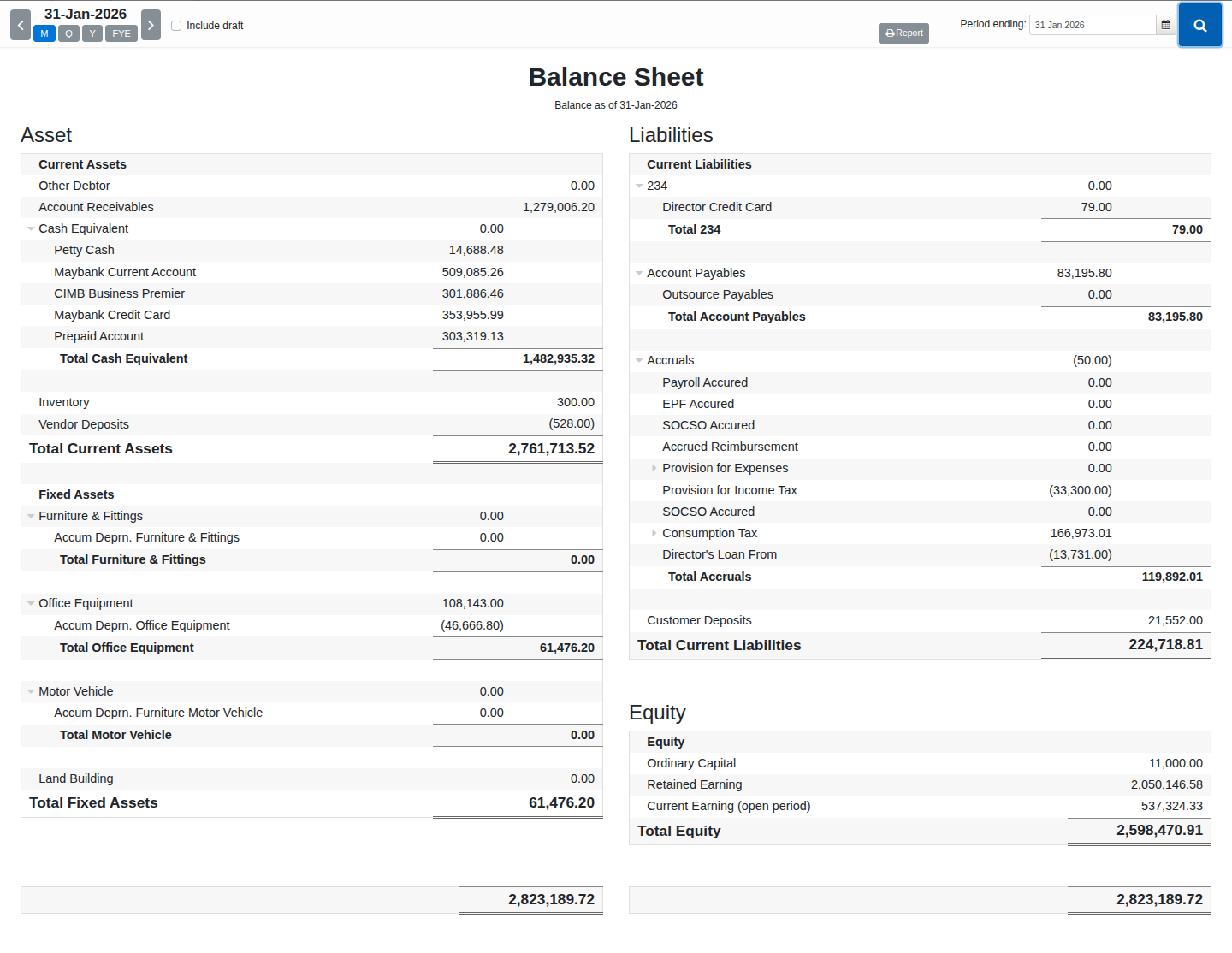
- Balance Sheet. Your Asset, Liabilities and Equity as of one date.
- Cashflow. Cash movement, grouped into Operating, Investing and Financing activities.
Use a statement
- Open one from Menu > Finance > Explorer.
- Trial Balance, Profit Loss and Cashflow ask for a Period begin and Period end. Balance Sheet is a snapshot, so it only asks for a Period ending date.
- Tick Include draft to see the effect of unposted entries too, then search.
- Click any figure to drill down into the General Ledger behind it.
Field guide
- Period begin / Period end (or Period ending on Balance Sheet). The date range, or point-in-time date.
- Include draft. Show unposted entries as well.
- Report. Opens advanced reporting for deeper analysis — on Trial Balance, Profit Loss and Balance Sheet; not currently offered on Cashflow.