Learn the concept
This is the step-by-step. For what it is and how it fits the bigger picture, read Statement Reconciliation in the reference.
This is the step-by-step. For what it is and how it fits the bigger picture, read Statement Reconciliation in the reference.
What this does
Reconciliation checks that a cash or bank account in Cloudby matches the real bank statement, so you can trust the balance.
Before you start
The account has Require reconcile turned on, and you have the bank statement to hand.
Open Reconciliation
Go to Menu > Finance > Accounting Processes > Reconciliation.
Steps
- Click Create and pick the account and period.
- On the Statement tab, enter the Statement Balance (the balance on the bank statement) and a Description.
- On the Matching tab, tick off transactions under Match Current Ledger, and clear older items under Match Past Outstanding Items.
- Use the Explaining tab for any differences, then move the status from New to Complete.
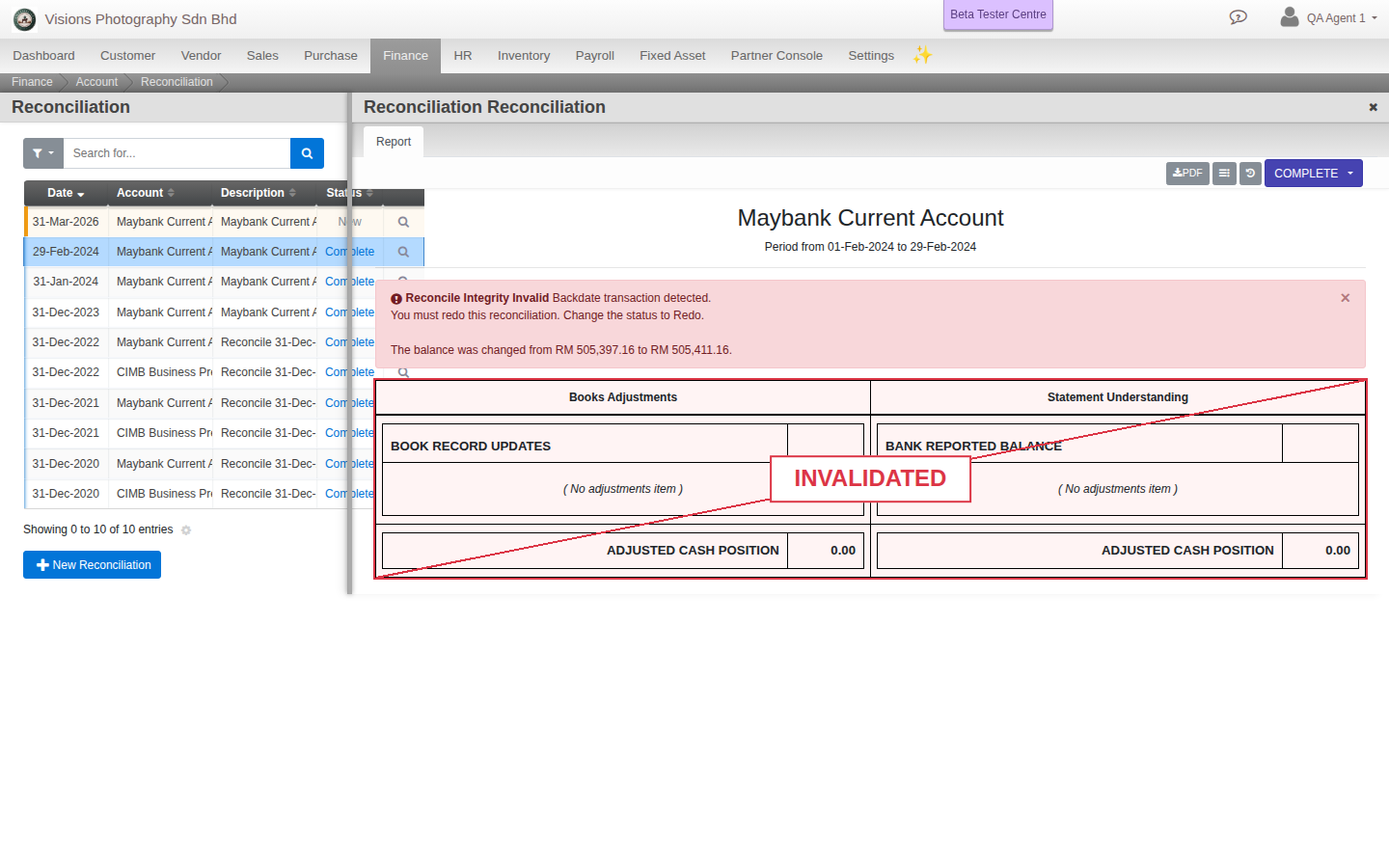
- The Report tab gives you the final reconciliation.
Field guide
- Statement Balance. The balance from the bank.
- Ledger Balance. Your own books.
- Match Current Ledger and Match Past Outstanding Items. Where you tick off transactions.