Learn the concept
This is the step-by-step. For what it is and how it fits the bigger picture, read Bill Payments in the reference.
This is the step-by-step. For what it is and how it fits the bigger picture, read Bill Payments in the reference.
What this does
Use Bill Payment to record a vendor bill line by line and pay it on the same document.
Before you start
You need the vendor set up, and the account you are paying from.
Open Bill Payment
Go to Menu > Finance > Bill Payment.
Steps
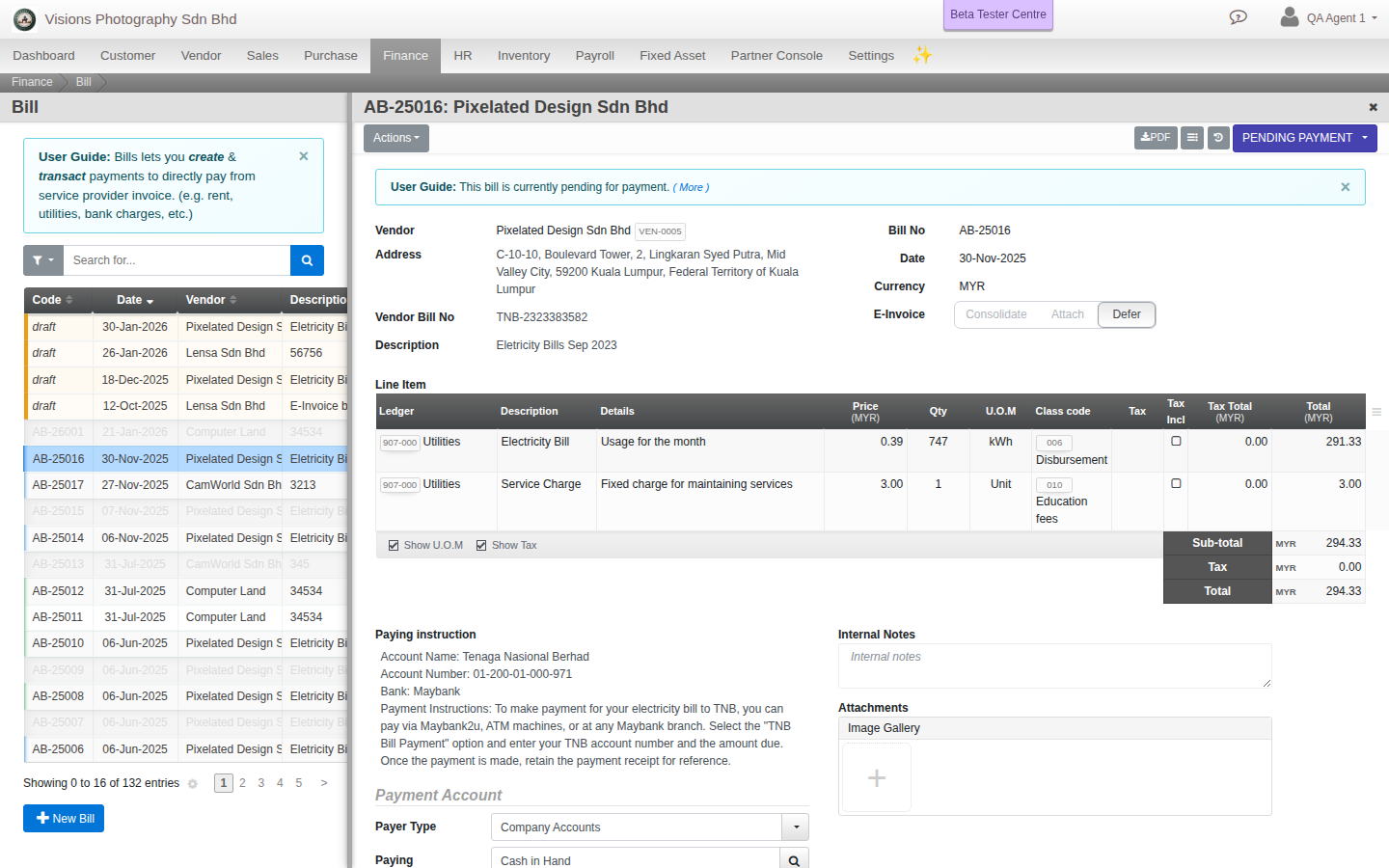
- Click Create. Pick the Vendor and check the Address.
- Enter the Vendor Bill No (the number on the vendor bill) and a short Description.
- Add the bill Line Items with their accounts and amounts.
- Set Payer Type and the Paying Account the money comes from, with Payment Details such as a cheque number.
- Add any Transaction Fees, click Update to save, then Approve when ready.
How it differs from Issue Payment
Bill Payment captures the bill line items and the vendor own bill number on one document. Issue Payment knocks a payment off documents that already exist.
Field guide
- Vendor and Vendor Bill No.
- Line Item. What the bill is for.
- Payer Type and Paying Account. Where the money comes from.