Learn the concept
This is the step-by-step. For what it is and how it fits the bigger picture, read Data Porting in the reference.
This is the step-by-step. For what it is and how it fits the bigger picture, read Data Porting in the reference.
Setup task
What this does
Data Porting moves data in and out of Cloudby in bulk: useful when you first set up, when you migrate from another system, or when you need a structured export.
Open Data Porting
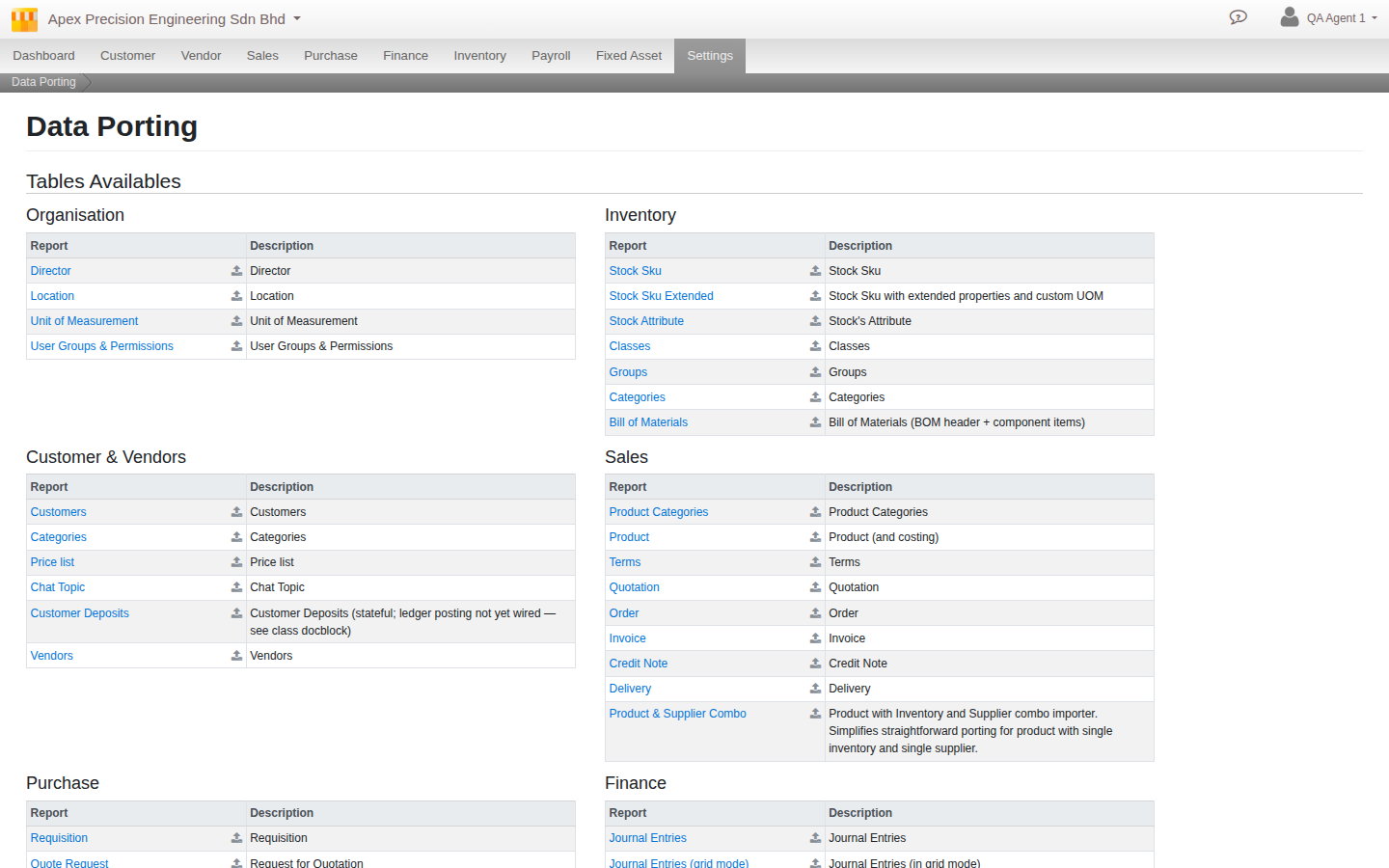
Go to Menu > Settings > Administrative > Data Porting.
How it works
- Export a module data set as a structured file, or prepare one for import.
- Import by uploading the file. Cloudby validates it first and shows you any issues.
- Commit once it is clean, so only good data lands.
Porting covers the main areas, including your organisation master data (directors, locations, units, user groups), customers, vendors, sales, purchase, accounting, HR, payroll, service and inventory.
Good to know. The validate-before-commit step is your safety net. Always review the validation result before committing an import, especially during a migration.