Learn the concept
This is the step-by-step. For what it is and how it fits the bigger picture, read Document Templates in the reference.
This is the step-by-step. For what it is and how it fits the bigger picture, read Document Templates in the reference.
Setup task
What this does
Document templates control how your printed and PDF documents look: the invoice, quotation, delivery note and more. Design them once and every document follows suit.
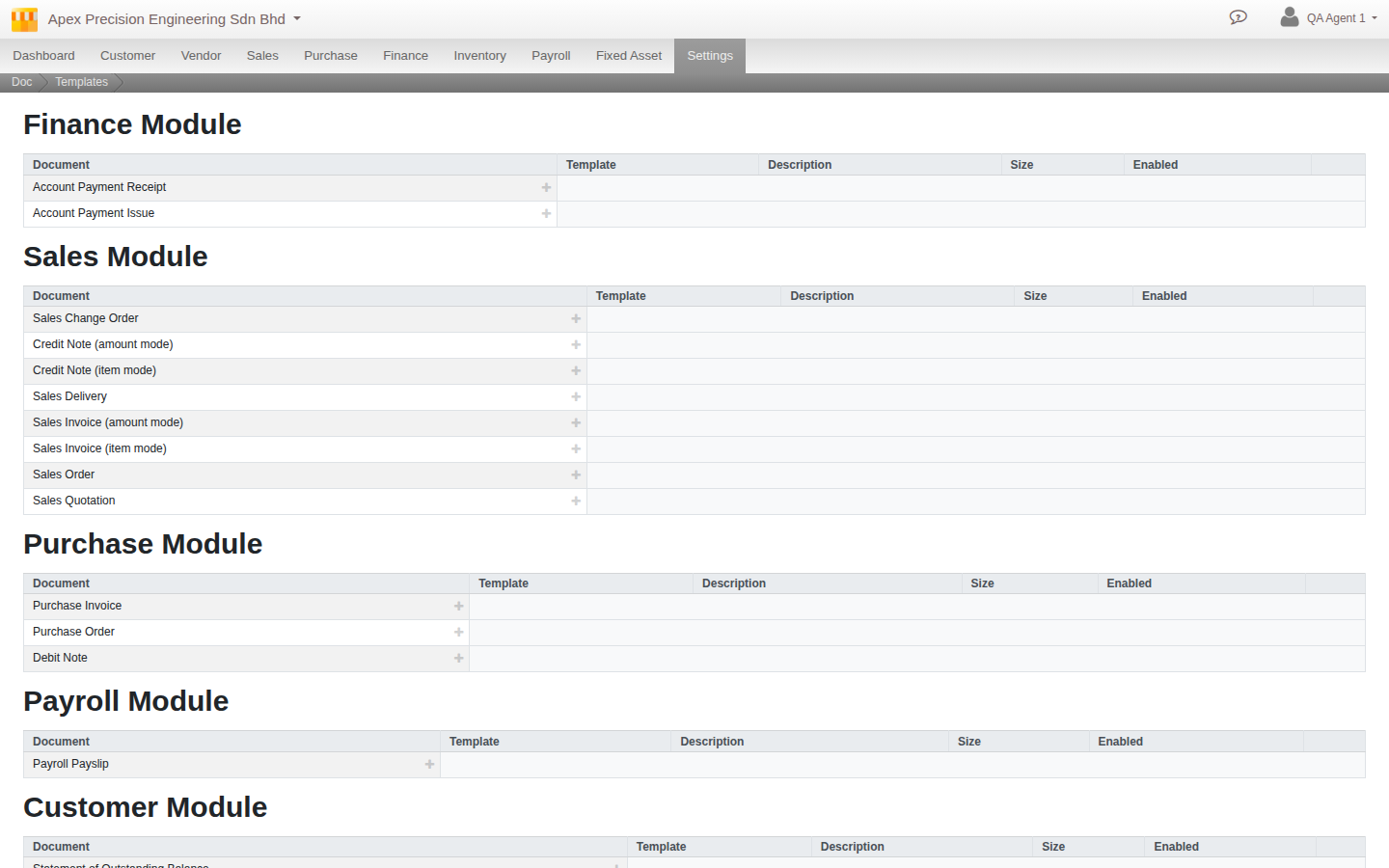
Open Document Template
Go to Menu > Settings > Maintenance > Document Template.
What you can do
- Browse templates grouped by module, and preview any of them, including against realistic sample data (density, status, e-Invoice state, even an industry-flavoured dataset) before a real document ever uses it.
- Copy a template as a starting point, then edit its layout.
- Set a template as the default for its document type.
- Lay out multi-page documents with your logo, fields and styling, including nested or grouped tables (a packing list split by shipment, an invoice grouped by category) and amounts that render in the document’s own currency automatically.
Good to know. Start by copying an existing template rather than from a blank page, then adjust it. Set your finished design as the default so it is used automatically.