Learn the concept
This is the step-by-step. For what it is and how it fits the bigger picture, read Company, Directors & Locations in the reference.
This is the step-by-step. For what it is and how it fits the bigger picture, read Company, Directors & Locations in the reference.
Setup task
What this does
Your organisation settings carry your legal and contact details across every document and report, so invoices, statements and filings show the right company.
Open Organisation
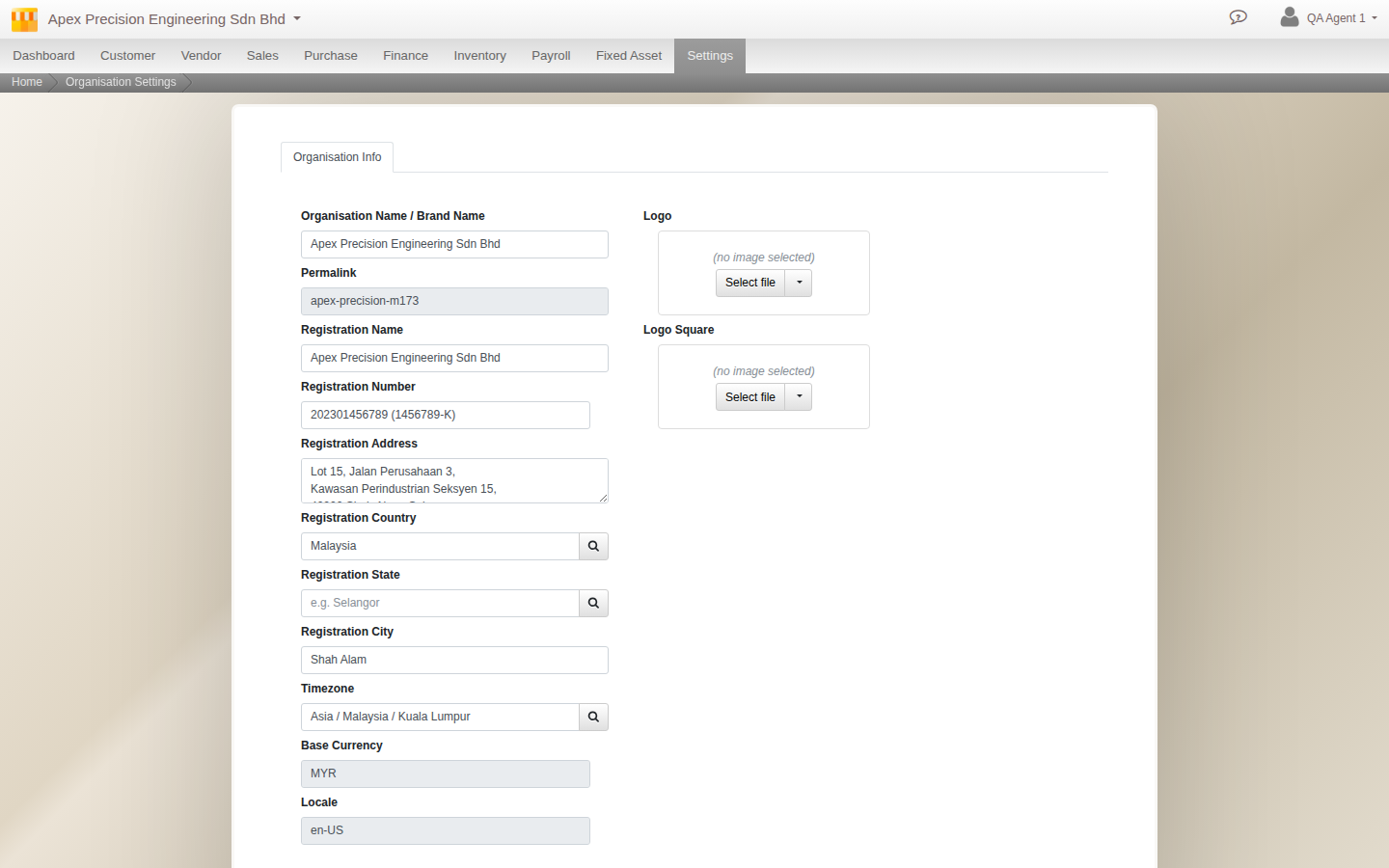
Go to Menu > Settings > Organisation.
What to set up
- Company. On the Organisation tab, your registered name, number and address, timezone, currency, locale and logo. The Billing tab holds the billing contact (name, email and mobile) if it differs from your organisation.
- Directors. The company directors on record.
- Locations. Your sites, for multi-location stock and operations.
- Compliance. The Compliance Checker: see how your setup measures against the rules for your jurisdiction, and what to fix (see Check your compliance).
Good to know. Get the registered details and logo right early. They flow onto printed documents, so fixing them once here saves correcting them everywhere.