Learn the concept
This is the step-by-step. For what it is and how it fits the bigger picture, read Customization in the reference.
This is the step-by-step. For what it is and how it fits the bigger picture, read Customization in the reference.
Setup task
What this does
Units of measurement are how you count and sell things: each, box, kilogram, litre. They are shared master data that stock, purchasing and sales all draw on.
Open Unit of Measurement
Go to Menu > Settings > Maintenance > Unit of Measurement.
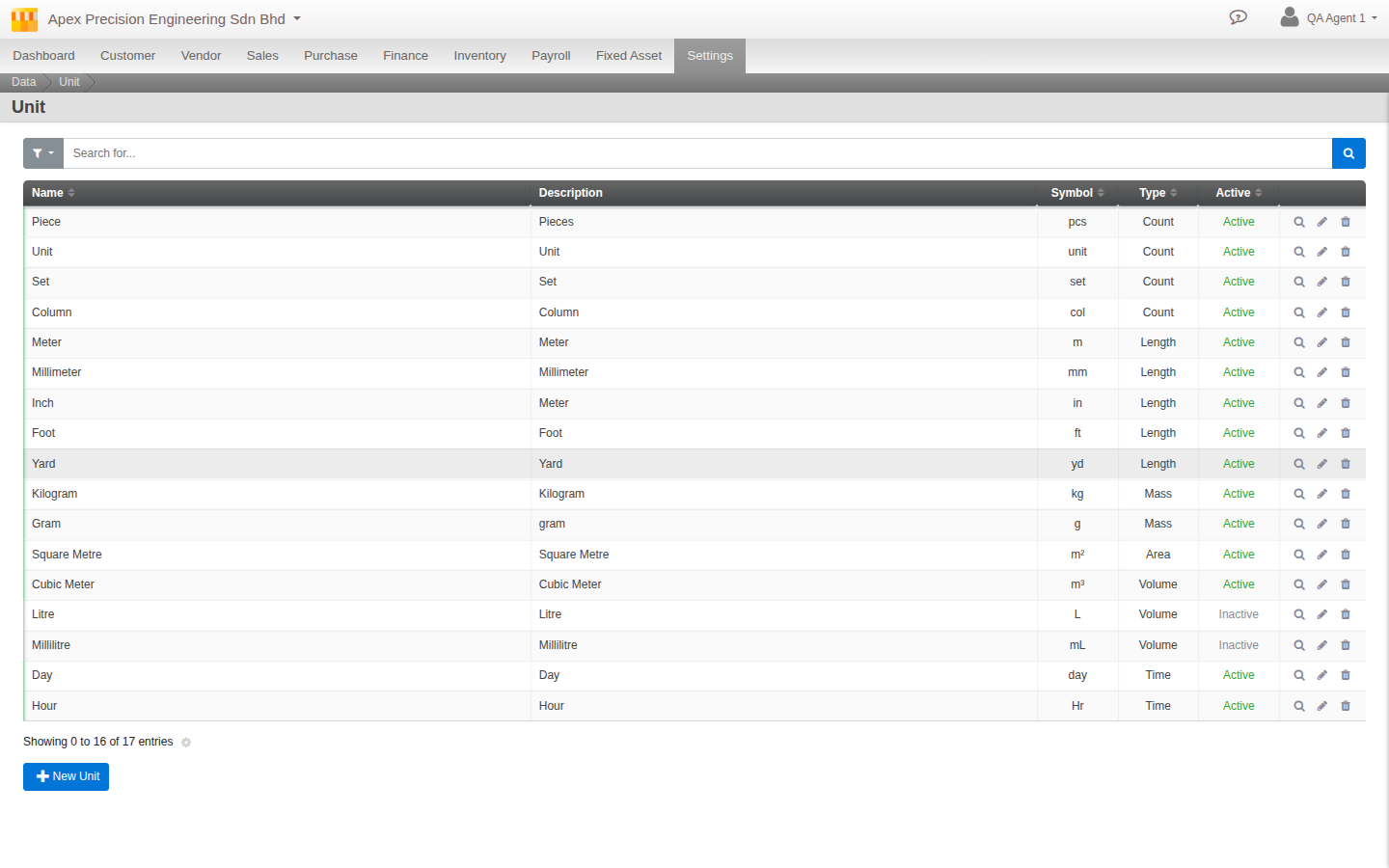
What to set
- Name and Symbol. What it is called and how it shows (for example Kilogram, kg).
- Type and Factor. The kind of unit and its scale, so related units convert.
- UNECE Code. The standard code, filled for you if you leave it blank.
- Active. Whether it is available to use.
Good to know. Set up your units before your stock items, so each item can pick the right one and unit conversions work from the start.