Learn the concept
This is the step-by-step. For what it is and how it fits the bigger picture, read Platform in the reference.
This is the step-by-step. For what it is and how it fits the bigger picture, read Platform in the reference.
What Cloudby is
Cloudby is an all-in-one business platform for running a company: sales and purchasing, finance and accounting, inventory, payroll and more, all in one place and all joined up. You work in it through your web browser, so there is nothing to install.
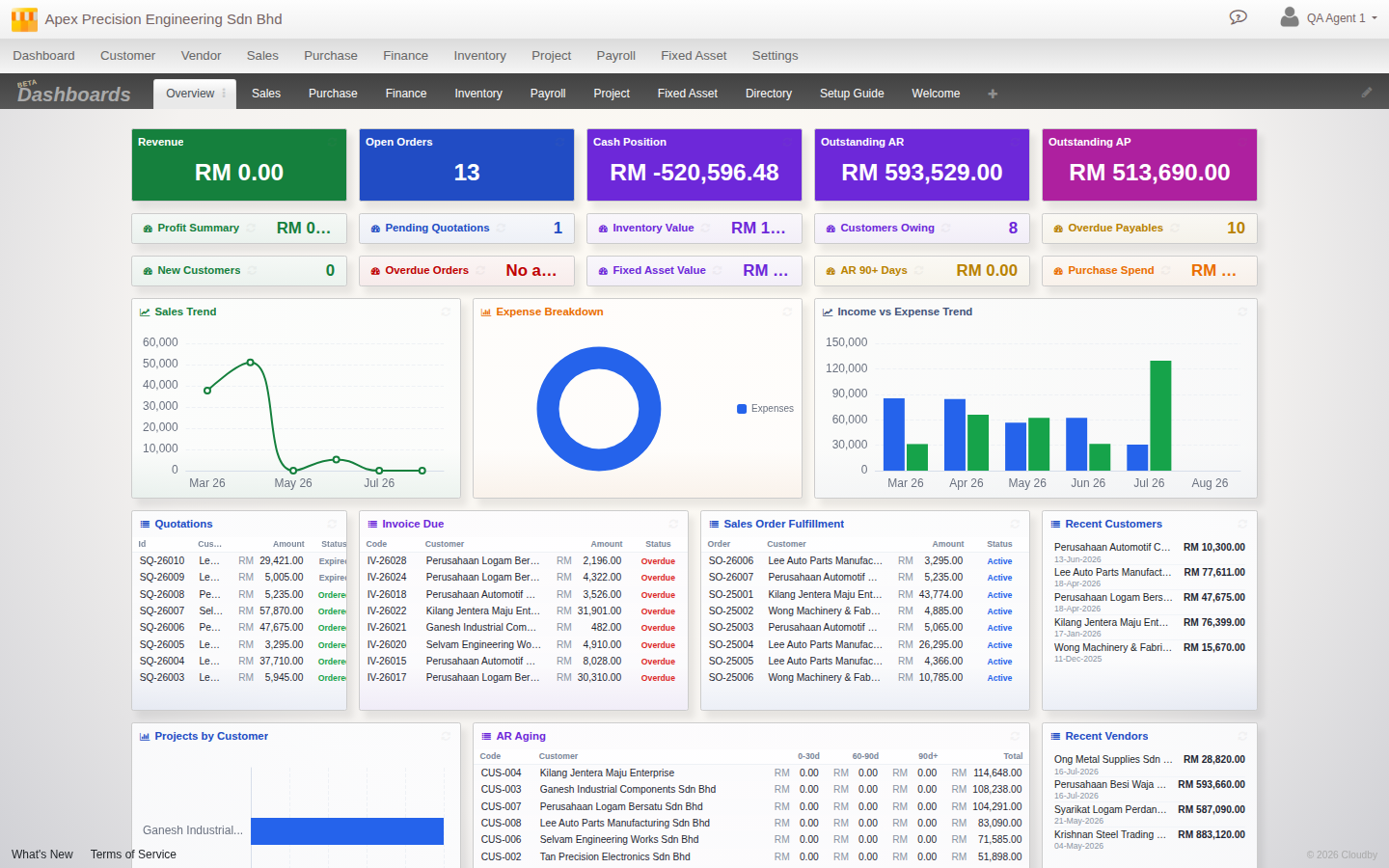
Finding your way around
- Your organisation sits at the top left. If you work with more than one organisation, this is also where you switch between them.
- The menu across the top lists the modules you have, such as Sales, Purchase, Finance and Inventory. Each module opens to its screens.
- Your profile is at the top right, with My Profile and the way out, Log out.
- Notices appear across the top when there is something to tell you, such as planned maintenance.
How the screens work
Almost everything in Cloudby is a document: a quotation, an invoice, a payment, a stock entry. They all follow the same shape, so once you have used one screen the rest feel familiar. See How documents work for the pattern.
First steps
- Log in with your username and password.
- Pick your organisation if you belong to more than one.
- Open a module from the top menu and start in the screen you need.
Good to know. What you see depends on your plan and your access, so your menu may be shorter or longer than a colleague’s. If something you expect is missing, ask whoever manages your Cloudby account.