This is the step-by-step. For what it is and how it fits the bigger picture, read Jump Search in the reference.
What this is
Jump Search is a single search box that finds menu pages, reports and your live records, customers, invoices, tickets and more, all in one place, opened from anywhere in Cloudby.
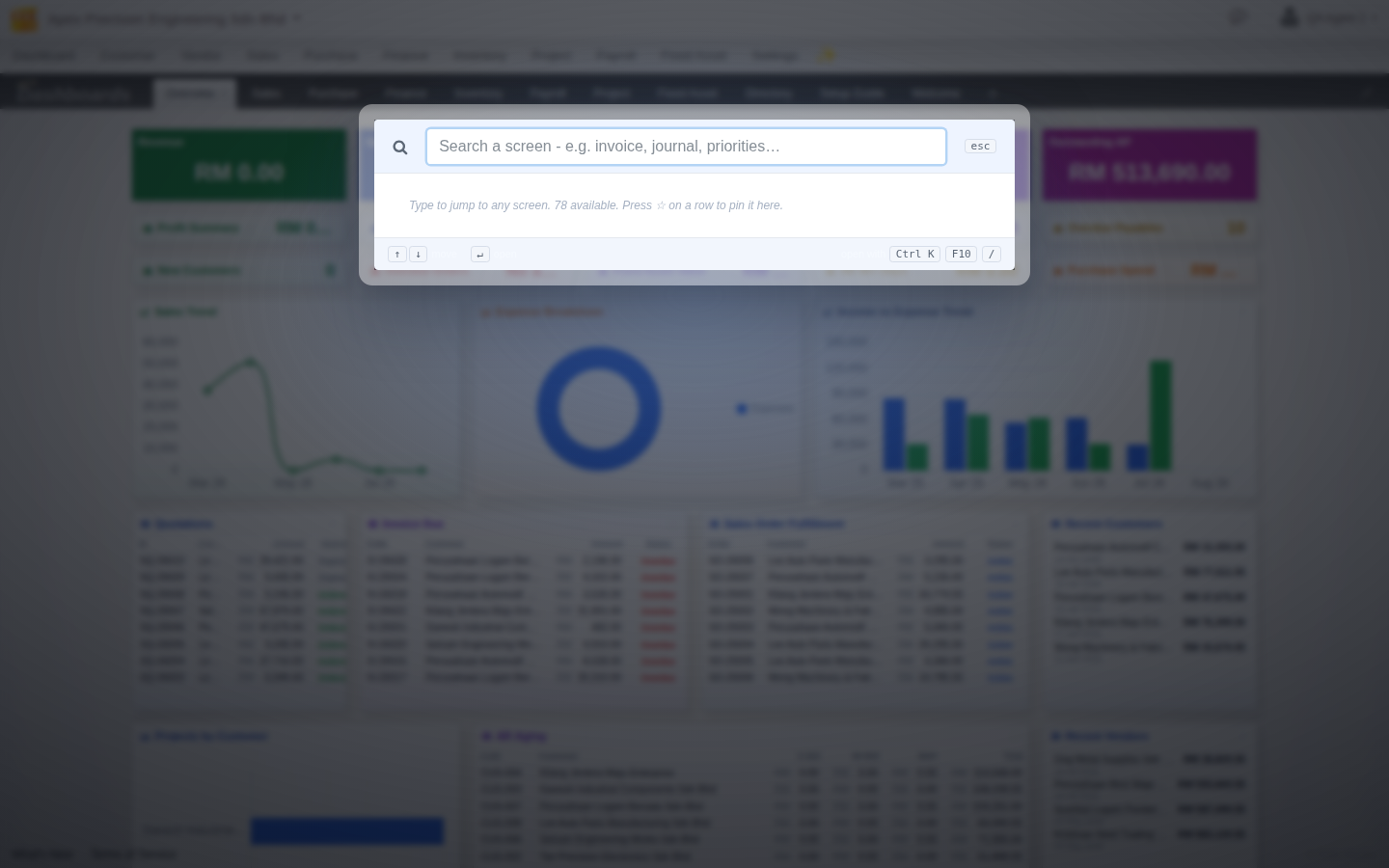
Opening it
- Press Ctrl+K or F10 from any screen.
- Start typing, matching menu pages appear instantly, reports follow shortly after, then your actual records.
- Use the arrow keys and Enter to jump straight to a result, or click it.
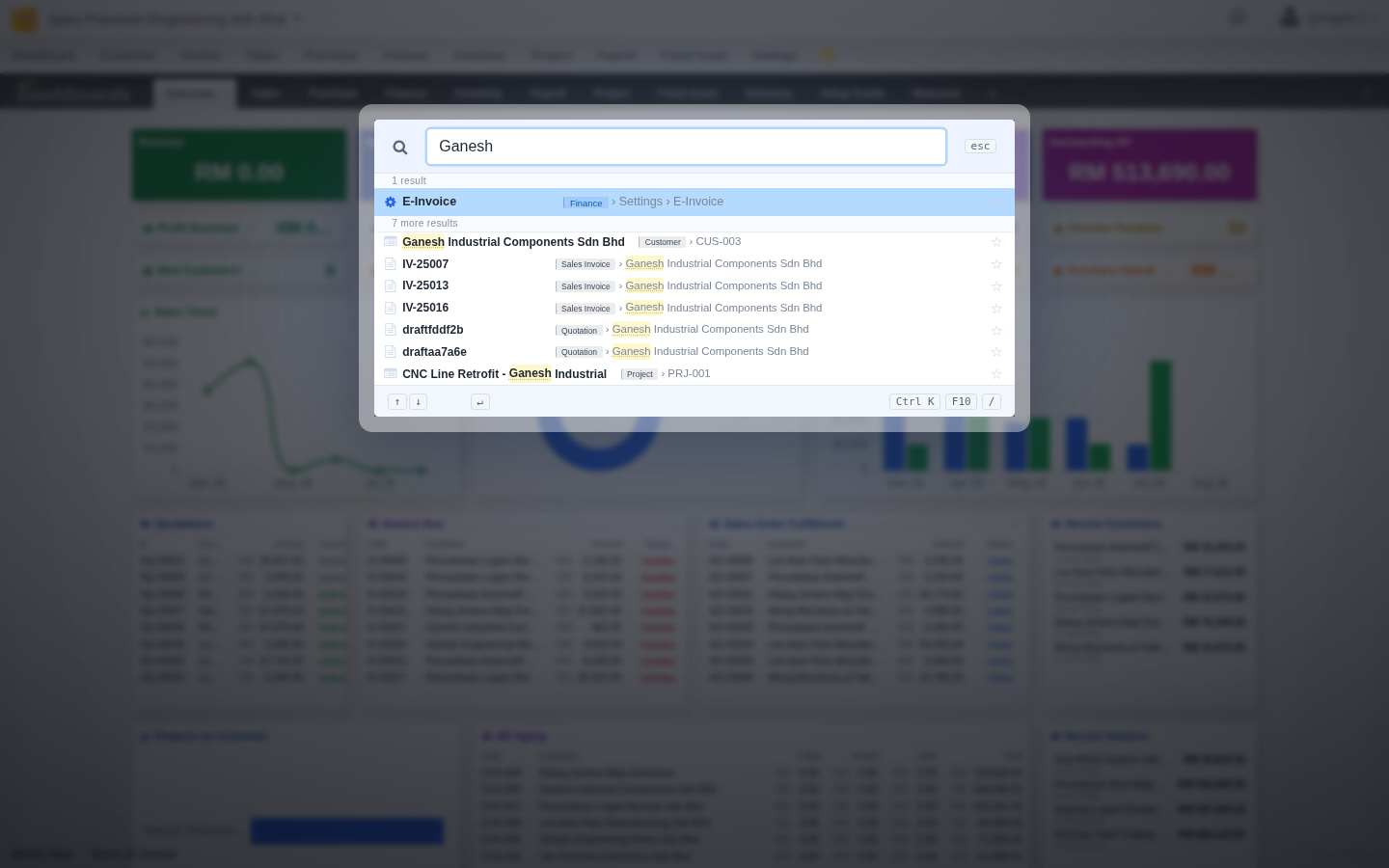
Searching by a partial name is enough
You do not need to type a full or exact match. Typing just part of a customer’s name, for example, returns the customer record itself along with every invoice, quotation and delivery tied to them, grouped together instead of making you search each document type on its own.
What it can find
Beyond menu pages and reports, Jump Search reaches customers, vendors, sales and purchase invoices, quotations, deliveries, purchase requisitions, goods receives, products, service tickets, projects, employees, payslips, expense claims, fixed assets, manufacture and batch orders, ledgers, e-Invoices, and saved searches, scoped to what your account can access.