Learn the concept
This is the step-by-step. For what it is and how it fits the bigger picture, read Users & User Groups in the reference.
This is the step-by-step. For what it is and how it fits the bigger picture, read Users & User Groups in the reference.
What this does
Logging in opens your Cloudby workspace. One login gives you access to every organisation you belong to.
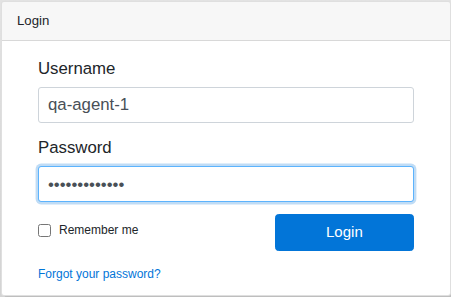
Steps
- Go to your Cloudby sign-in page.
- Enter your Username. This is usually your email address.
- Enter your Password.
- Tick Remember me on your own device to stay signed in.
- Click Login.
If two-factor is on
If your account uses two-factor security, you are asked for a one-time code from your authenticator app after your password. Enter it to finish signing in.
After you sign in
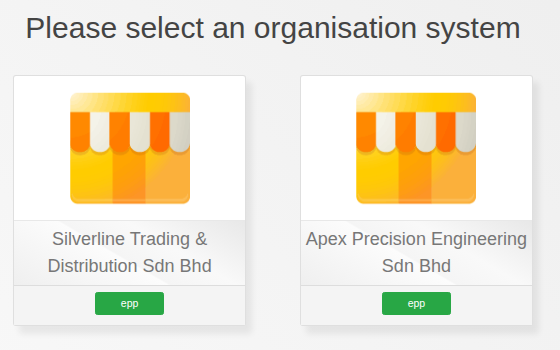
If you belong to more than one organisation, choose the one to work in. Otherwise you go straight to your workspace.
Trouble signing in
- Use Forgot your password? on the sign-in screen to reset it by email.
- Remember the username is usually your email address.
- If you still cannot get in, ask whoever manages your Cloudby account.