Learn the concept
This is the step-by-step. For what it is and how it fits the bigger picture, read Sales Terms in the reference.
This is the step-by-step. For what it is and how it fits the bigger picture, read Sales Terms in the reference.
Setup task
What this does
Two small settings keep your sales tidy: categories to group your products, and reusable terms for payment. Both live under Sales > Settings, as two separate screens.
Product Category
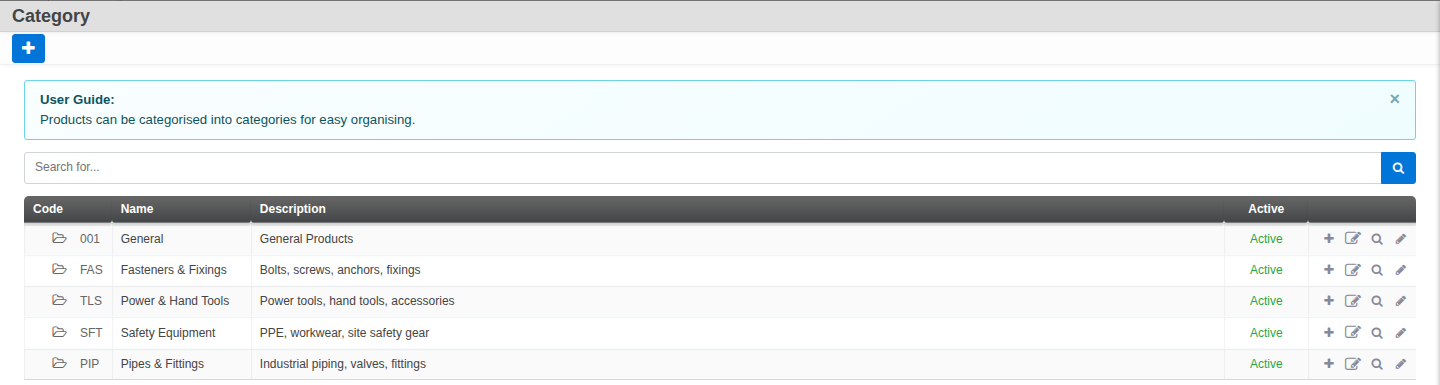
Go to Menu > Sales > Settings > Product Category. Categories group your products for the catalogue and for reporting, and they can nest. Set a Parent (to nest it under another), a Code and Name, a Description, and mark it Active.
Sales Terms
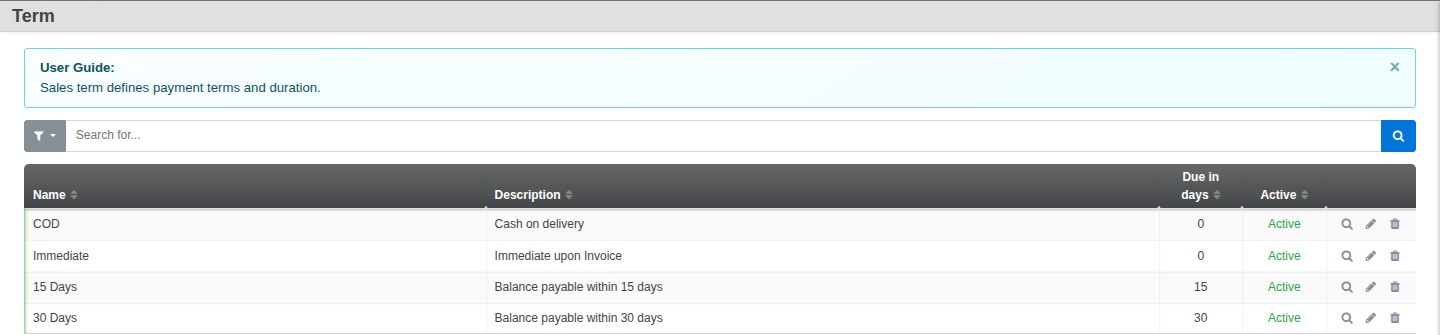
Go to Menu > Sales > Settings > Sales Terms. Sales terms are reusable payment terms that apply to quotations, orders and invoices. Set a Name, a Description, the Due in days (for example 30), and mark it Active.
Good to know. Set a default sales term under Sales > Settings > Default, so every new document starts with the right due date instead of you choosing it each time.