Learn the concept
This is the step-by-step. For what it is and how it fits the bigger picture, read Payslips in the reference.
This is the step-by-step. For what it is and how it fits the bigger picture, read Payslips in the reference.
What this does
Every batch produces a payslip per person. You review them, fix anything before posting, and share them with staff.
Open the payslips
From a batch under Menu > Payroll > Payroll Runs, open its Payslips list.
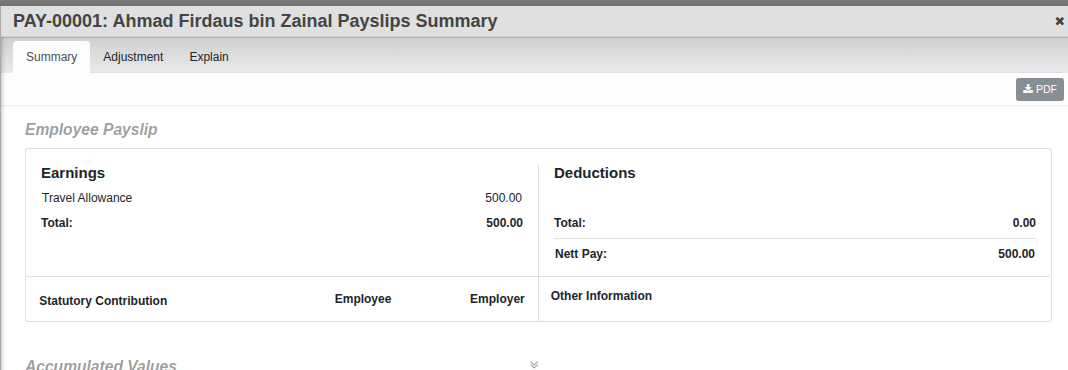
The tabs on a payslip
- Summary. Earnings, deductions, statutory contributions and leave balances.
- Adjustment. One-off corrections to this payslip before the batch is completed.
- Explain. The full calculation, line by line, so you can see how a figure was reached.
What staff see, and what they do not
Two note fields keep the line clear:
- Remarks. Shown to the employee on their payslip.
- Internal Notes. For your team only, never shown to staff.
Share them
From the batch you can download the payslips as PDF or as a ZIP bundle, and export employee and amount summaries as spreadsheets for your records.
Good to know. Make corrections while the batch is in Draft or Processing. Once it is Completed it locks, which is what keeps a finished run trustworthy.