Learn the concept
This is the step-by-step. For what it is and how it fits the bigger picture, read Partner Console in the reference.
This is the step-by-step. For what it is and how it fits the bigger picture, read Partner Console in the reference.
What this is
The Partner Console is for partners who manage Cloudby on behalf of others. From one place you create client organisations, bring them live, and look after their settings, users and backups over time. Open it from Menu > Partner Console.
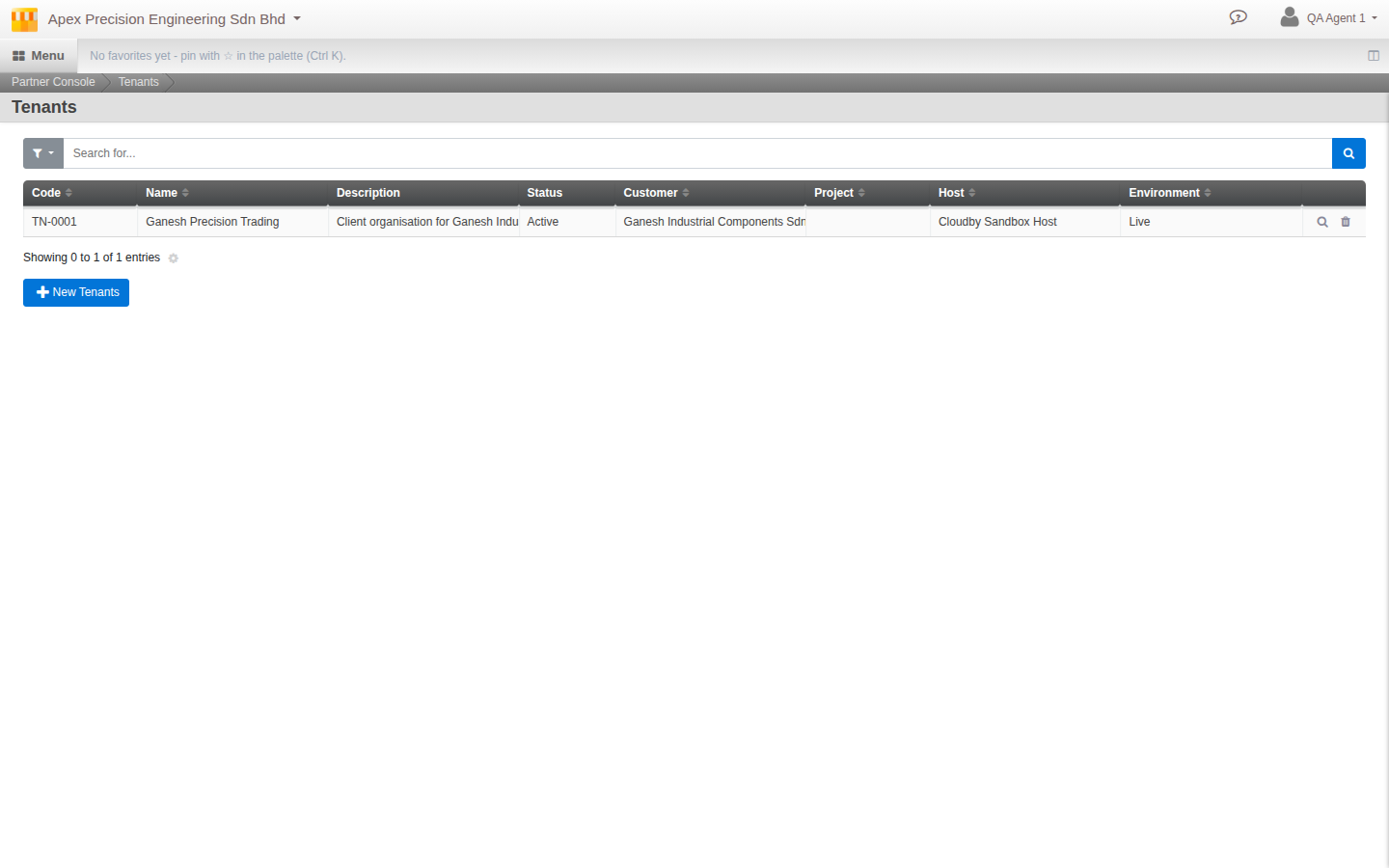
What you can do
- Create a client organisation as a draft: link it to one of your own Customer records, pick the Host it will run on, and fill in its registration and locale details.
- Deploy it to bring the organisation live.
- Manage its settings, features, users, backups and activity once it is running.
- End service or remove an organisation when the relationship ends.
How it fits together
Each client is a Tenant: its own self-contained Cloudby organisation. The console talks to each tenant for you, so you can look after many clients without logging into each one separately.
Who sees this. The Partner Console is a partner feature, not part of a normal organisation. If you do not manage other organisations, you will not see it. Ask whoever manages your Cloudby account if partner access applies to you.