Learn the concept
This is the step-by-step. For what it is and how it fits the bigger picture, read Stock Category in the reference.
This is the step-by-step. For what it is and how it fits the bigger picture, read Stock Category in the reference.
Setup task
What this does
Beyond groups, stock items carry a Category and a Class. Both are ways to classify your items, but they do different jobs.
Open them
Go to Menu > Inventory > Master Data > Categories or Menu > Inventory > Master Data > Class.
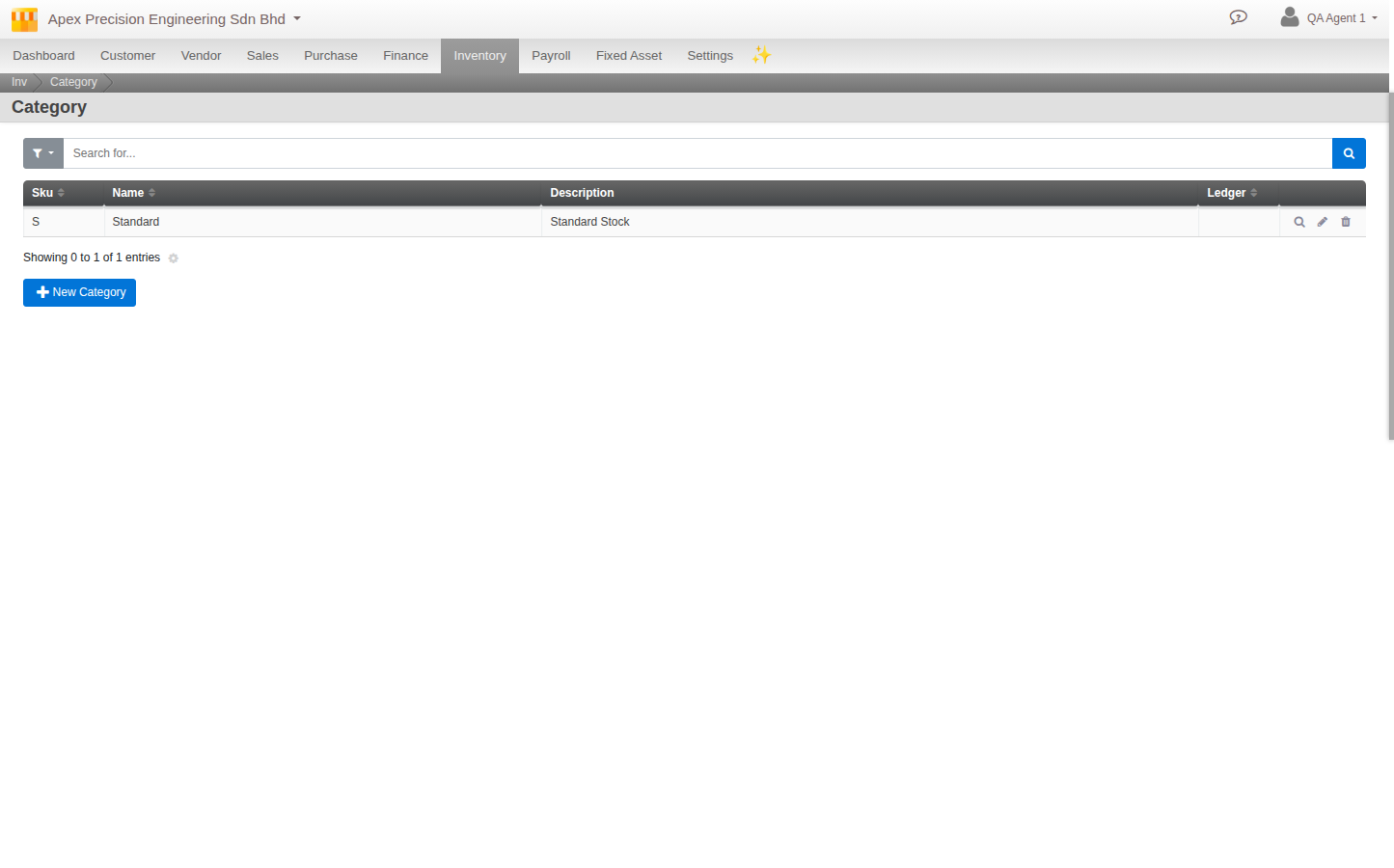
Category
A Category groups items by type and can link to an accounting ledger, so the value of stock in that category posts to the right account (for example finished goods versus raw materials). Categories carry accounting meaning. Set a Code, Name, Description and the ledger.
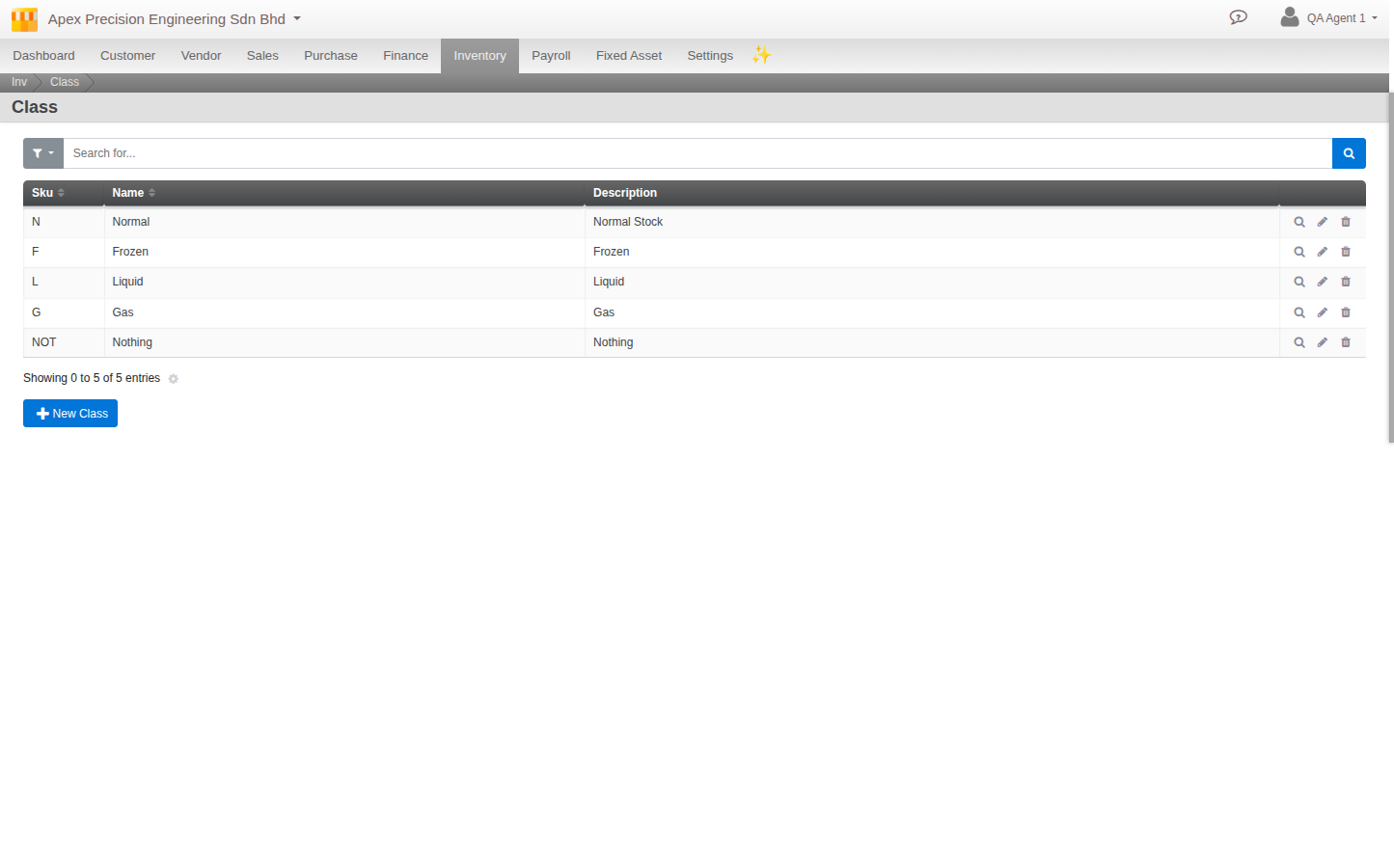
Class
A Class is a free grouping for sorting, filtering and reporting, with no accounting link. Set a Code, Name and Description and use it however suits your business.
Groups are different again. Groups are per-location buckets for staging stock (see Organise stock with groups). Category is for accounting and type; Class is for free grouping.