Learn the concept
This is the step-by-step. For what it is and how it fits the bigger picture, read Stock Grouping in the reference.
This is the step-by-step. For what it is and how it fits the bigger picture, read Stock Grouping in the reference.
Setup task
What this does
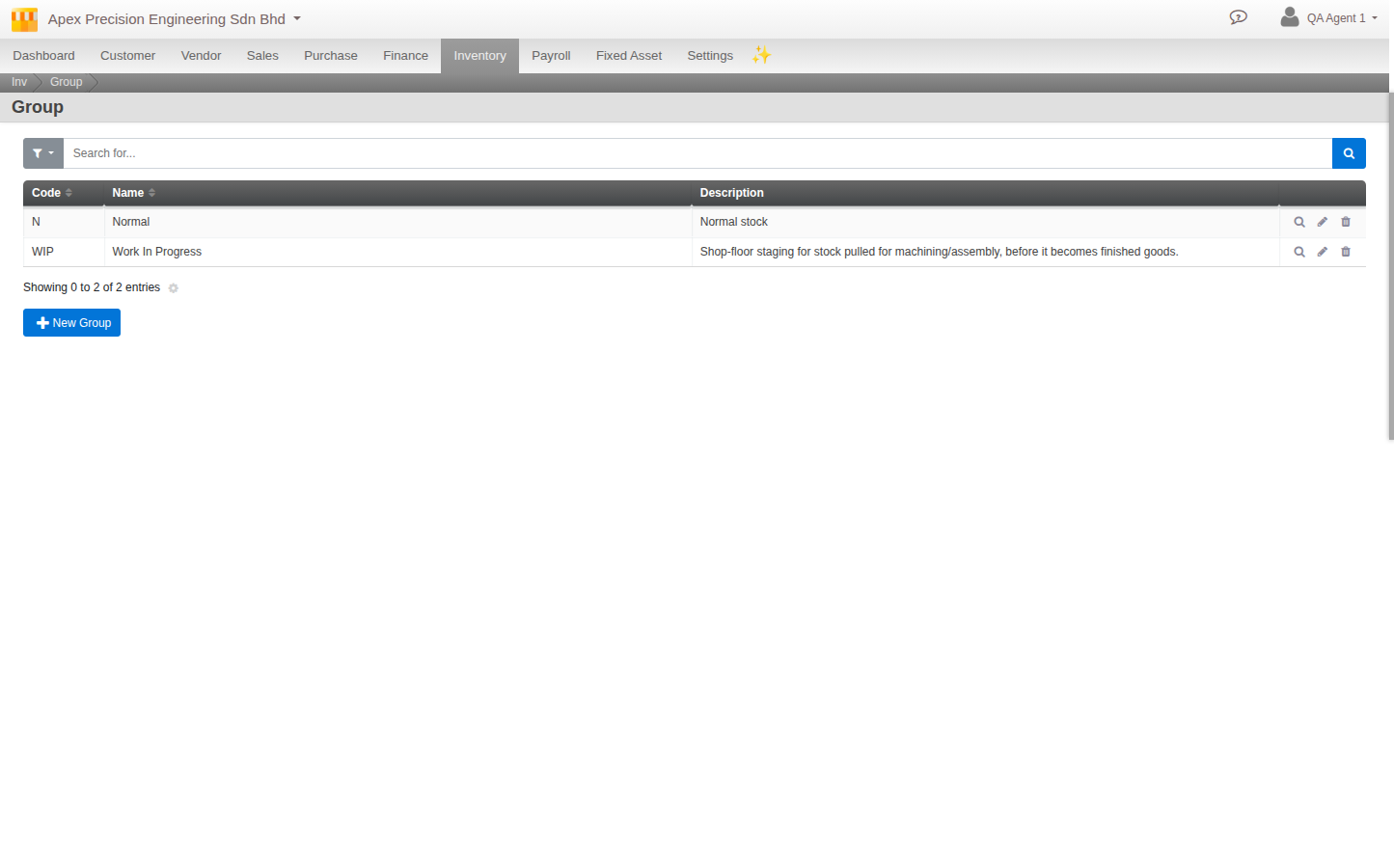
Groups are your own buckets for separating stock that sits in the same place but is not the same thing: sellable versus on hold, good versus return-for-repair, warehouse versus showroom.
Open Groups
Go to Menu > Inventory > Master Data > Groups and click Create.
What to set
- Code and Name. How the group shows up across Inventory.
- Description and Notes. What the group is for.
- Permissions. Whether stock in this group can be sold, rented or used in production.
How they are used
Stock carries a group per location, so the same item can sit in more than one group at once. Stock Finder can then break down or filter By Group, and you move stock between groups with an adjustment entry.
Good to know. Groups are yours to design. There is no fixed list, so name them to match how your business actually stages stock.