Learn the concept
This is the step-by-step. For what it is and how it fits the bigger picture, read Sales & Purchase reports in the reference.
This is the step-by-step. For what it is and how it fits the bigger picture, read Sales & Purchase reports in the reference.
What this covers
What you are spending, with which vendors, and on what.
Open Purchase reports
Go to Menu > Purchase > Reports.
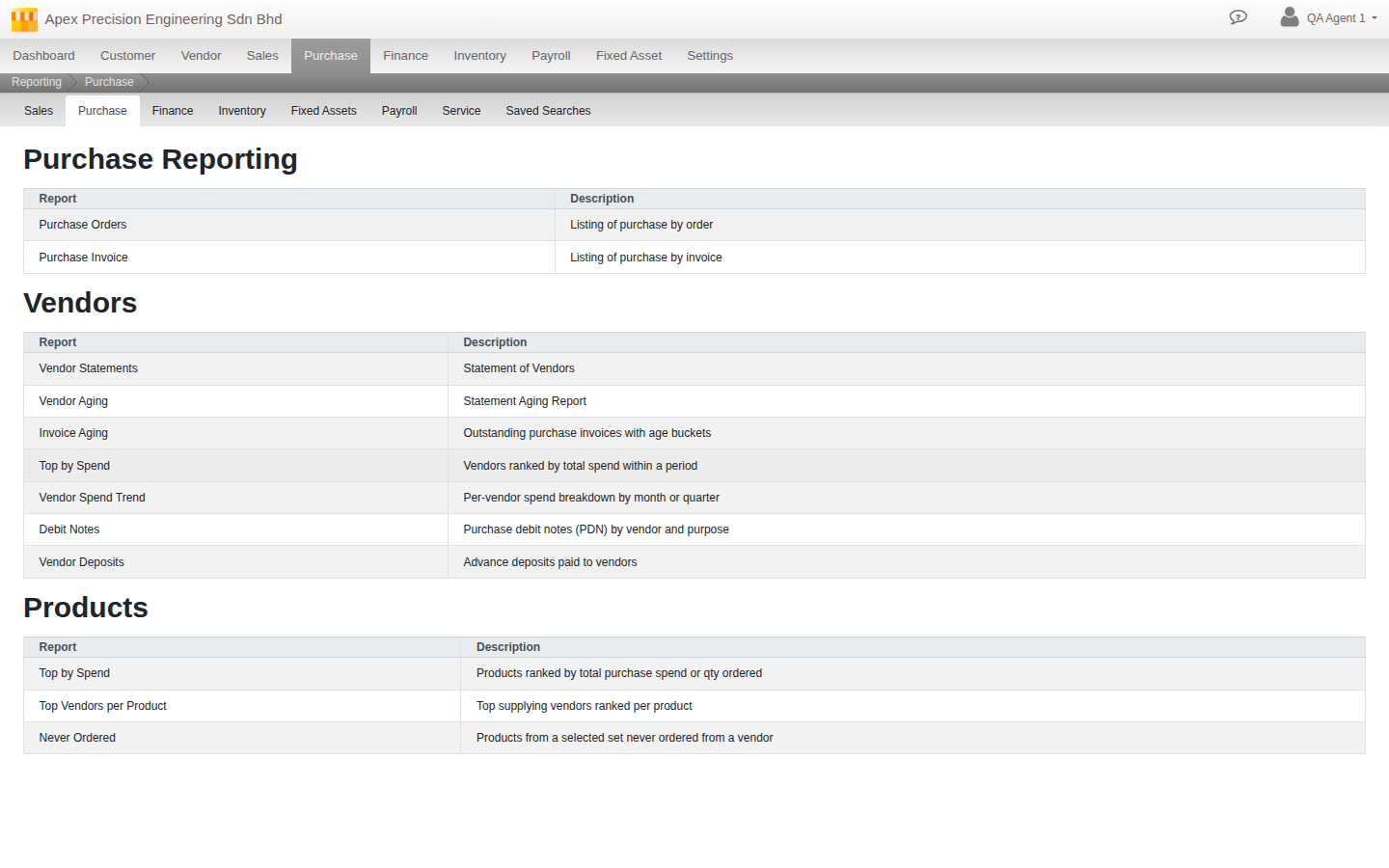
What you can run
- Purchase reporting. Purchase Orders and Purchase Invoice.
- Vendors. Vendor Statements, Vendor Aging, Invoice Aging, Top Vendors by Spend, Vendor Spend Trend, Debit Notes and Vendor Deposits.
- Products. Top Products by Spend, Top Vendors per Product, and Products Never Ordered.
Good to know. The same Reporting screen also holds full report sets for Payroll and Service, each with their own dedicated Reports menu item, and for Fixed Assets and Inventory, reached via the tab strip rather than their own menu item just yet. Every module’s reports are one tab away from any other.