Learn the concept
This is the step-by-step. For what it is and how it fits the bigger picture, read Sales & Purchase reports in the reference.
This is the step-by-step. For what it is and how it fits the bigger picture, read Sales & Purchase reports in the reference.
What this covers
How sales are tracking, who is buying, and which products are performing.
Open Sales reports
Go to Menu > Sales > Reports.
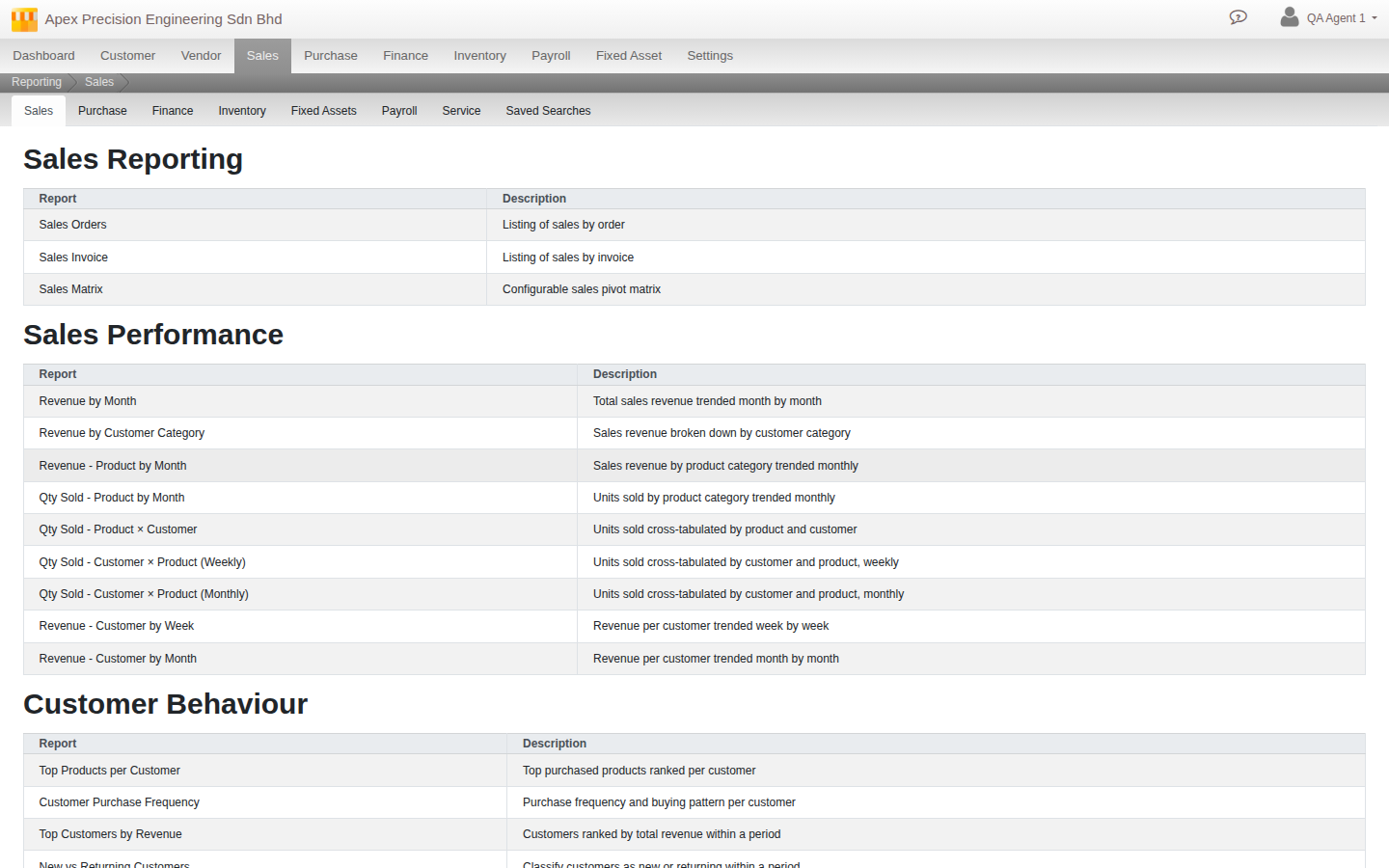
What you can run
- Sales reporting. Sales Orders, Sales Invoice, and a configurable Sales Matrix pivot.
- Sales performance. Ready-made pivots by month, customer and product, including sold quantities.
- Customer behaviour. Top products per customer, purchase frequency, top customers by revenue, new versus returning, and products never bought.
- Product performance. Top products by revenue, revenue trend, slow movers.
- Customers. Customer Statements, Customer Aging, Invoice Aging, Credit Notes and Customer Deposits.